

Trainings
Short trainings for each area of RotorLab, 30 to 60 minutes each, with more added over time. Everyone starts with RotorLab Basics; the rest can be taken in any order. Each one ends in its own certificate, valid for 24 months.
During launch, trainings are free for members of RotorLab organizations.
Free

RotorLab Basics
Free
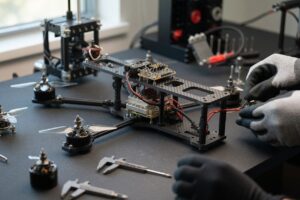
Builder
Free

Analysis
Free

Pilots and Crew
Free

Operations
Free

Fleet and Maintenance
Free

Records and Compliance
Free
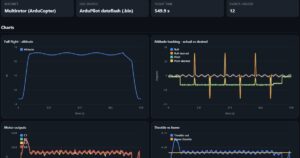
Forensics
Free

Organization Admin
Paths by role
Start with RotorLab Basics, then work down the list for your role. We add new trainings over time.


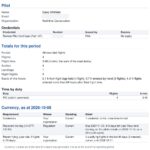
Safety or compliance lead
About 2 hours 15 minutes


Every training at a glance
| Training | What you will do | Minutes |
|---|---|---|
| RotorLab Basics | 30 | Sign in, find your way around and open any record |
| Builder | 45 | Design a build and read its thrust, current and hover time |
| Analysis | 45 | Check balance, radio range, throttle and trade-offs |
| Live Telemetry (opening soon) | 45 | Watch a flight live and keep the recording |
| Pilots and Crew | 45 | Keep your Pilot Record and logbook current |
| Operations | 60 | Plan, dispatch and file a job from start to finish |
| Fleet and Maintenance | 60 | Keep aircraft, batteries and work orders up to date |
| Records and Compliance | 60 | Authorizations, occurrences, safety and the audit binder |
| Forensics | 45 | Read logs, analyze a crash and compare flights |
| Organization Admin | 30 | Members, roles, sign-in policy and add-ons |
Some areas are paid add-ons in RotorLab. The practice organization has every add-on, so you can learn them before your organization uses them.